
RESON GUIDE
Resonance suppression for AI vocals and mixes
How to approach harsh resonances in AI vocals, instruments and mixes with Reson’s frequency-dependent processing, Depth and Delta monitoring.
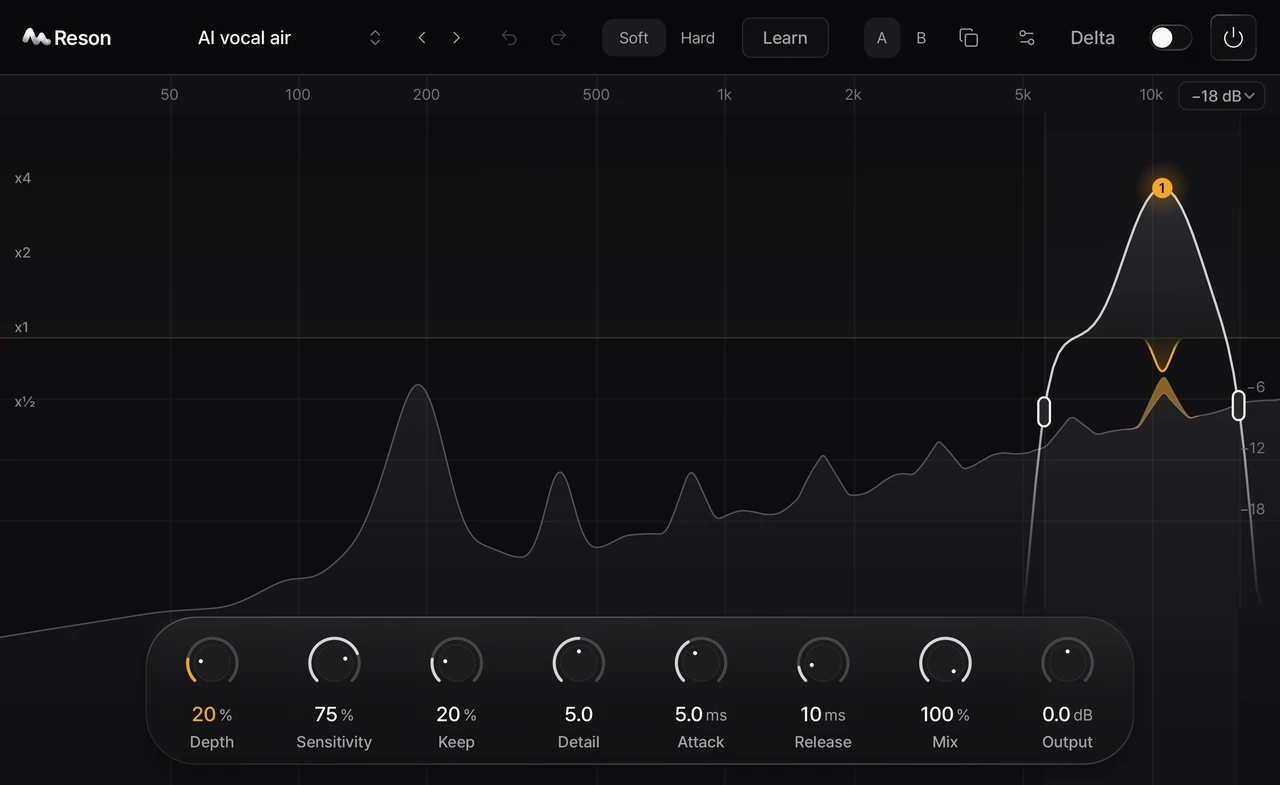
Start with the passage that sounds harsh
A vocal can sound sharp only on certain notes or syllables. First listen to the unprocessed passage in the mix and identify when the problem occurs. Reson is a dynamic resonance suppressor: its processing responds separately across frequencies. It can be used on vocals, instruments and mixes; it is not limited to AI-generated vocals.
AI vocals: separate resonance from other problems
When working with a vocal generated by tools such as Suno, listen for narrow, ringing or harsh regions before choosing a treatment. Distortion, clipping, timing errors and the overall vocal balance can need different tools. Reson does not promise to repair every artifact in a generated recording.
Set Depth, then shape the frequency response
Use Depth to adjust the overall amount of reduction and the frequency controls to focus the processing where it is needed. Start conservatively, then compare the processed passage with the original. Listen for both reduced harshness and changes to the body, air and articulation you want to keep.
Use Delta to hear what is being removed
Delta monitoring lets you listen to the removed signal. Use it to check whether the processing is mostly catching the unwanted resonance or removing too much useful vocal detail. Turn Delta off before judging the result in the mix.
A changing passage may benefit from Learn
For material that changes over time, Learn analyzes a continuous passage and lets you review and apply a time-based result. Reanalyze if edits move the audio to a different timeline position. Judge the result by listening; the analysis is an aid to your decisions.